An Introduction to Healthcare Software
The pace of change in the healthcare industry has never been faster. From GP practices and private clinics to care homes and specialist services, organisations are being pushed to operate more efficiently, keep data secure, and deliver outstanding patient care. Healthcare software solutions are now central to meeting these challenges.
But not all systems are built the same. Off-the-shelf software might cover the basics, yet it often leaves gaps in functionality, compliance, or flexibility. This is where tailored approaches, including custom healthcare software, can make a dramatic difference.

In this post, we’ll explore what makes great healthcare software solutions, the main types available today, and how technologies such as healthcare staff scheduling software are digitally transforming everyday operations.
We’ll also look at how bespoke development can create a unique software solution that’s dedicated to your company’s individual needs. For example, a custom version of electronic healthcare records software, would have features tailored specifically to the type of patients you work with.
The Current Landscape of Healthcare Software Solutions in the UK
The UK’s healthcare sector is wide-ranging and complex, combining NHS and private care services across countless settings. From local GP surgeries to large hospital trusts and private care providers, every organisation faces growing administrative demands, rising patient numbers, and tighter compliance standards.
For many, technology feels like both the cure and the cause. Outdated systems slow things down, while modern healthcare software solutions promise to ease the strain and bring order back into the day.
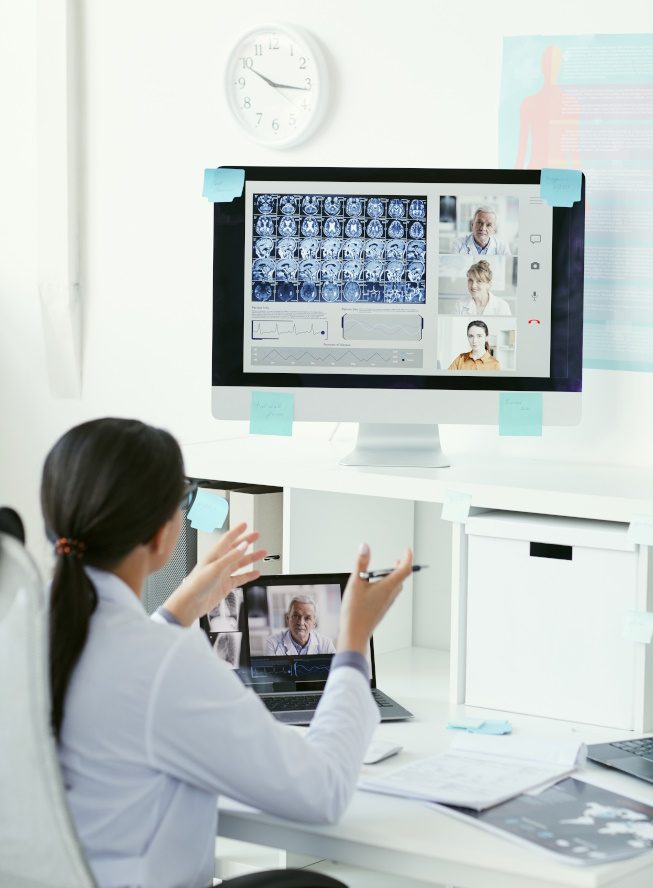
However, not every solution fits every organisation. The key lies in choosing a system that truly matches your needs and integrates well with how your team already works. Making the right decision can mean the difference between smooth operations and daily frustration.
A reliable healthcare software platform should support the full circle of care. Below are five core pillars that underpin an effective system:
- 🗄️ Centralised Data Management
- 🧩 Integration with Existing Processes
- 🔒 Security and Compliance
- 📅 Staff Scheduling and Coordination
- 📊 Reporting and Analytics
Ultimately, the most successful healthcare software solutions do more than automate paperwork. They help healthcare professionals spend less time behind screens and more time focused on patients, where they’re needed most.
Challenges Healthcare Organisations Face with Software Systems
Healthcare providers share similar frustrations when dealing with inefficient or outdated systems. Understanding these pain points is the first step towards finding the right solution.
| Challenge | Impact on Operations | How Software Solutions Help |
|---|---|---|
| Fragmented systems and data silos | Staff waste hours searching for records or duplicating work | Unified healthcare software solutions consolidate all information in one place |
| Manual scheduling and rostering | Frequent staffing gaps or overbooking | Healthcare staff scheduling software automates allocation and tracks shifts |
| Compliance and data protection pressures | Risk of GDPR breaches and patient mistrust | Secure, compliant design safeguards all sensitive data |
| Limited reporting tools | Poor visibility on performance and patient outcomes | Integrated analytics deliver real-time insights for better decisions |
Healthcare software should not add complexity but reduce it. Unfortunately, many organisations still rely on separate tools for patient records, staff management, and billing. Each of these tools has its own login, format, and quirks, this leads to wasting staff time, data duplication, increased errors and greater chance of information going missing. This patchwork approach creates inefficiencies that modern systems are designed to eliminate.
What Makes an Excellent Healthcare Software Solution
🗄️ 1. Centralised Data Management Improve customer service
A truly effective healthcare system uses database storage to keep everything in one place, including patient records, prescriptions, staff schedules and billing details. This means that no matter which professional is treating a patient, whether it’s a GP, nurse, physiotherapist, or pharmacist, they can instantly see what others have done. Notes on previous treatments, allergies, or medication are always visible, ensuring no detail is missed.
Example:
Imagine a patient visits their GP, then later attends a physiotherapy session at the same practice. Because both professionals share access to the same centralised system, the physiotherapist can immediately view the GP’s notes, see any prescribed medication, and check if the patient has reported pain in other areas. This complete picture leads to safer, more coordinated care and fewer repeated questions for the patient.
🧩 2. Integration with Existing Processes
The best healthcare software solutions don’t ask you to throw away your existing tools, they work alongside them. They connect smoothly with systems such as accounting software, NHS digital frameworks, laboratory databases, and HR tools. This integration reduces double entry, ensures consistency, and keeps operations running smoothly across all departments.

Example:
A small private clinic using a separate accounting system for invoicing can integrate it directly into their healthcare management platform. As soon as a patient’s appointment is completed, the invoice is automatically generated and recorded, saving hours of manual work each week.
🔒 3. Built-In Security and Compliance
In healthcare, data security isn’t a “nice-to-have”; it’s essential. Software must protect patient data at every level. This means secure logins, controlled access rights, and full audit trails showing who viewed or changed information. Systems also need to comply with GDPR and NHS data protection guidelines.
Example:
If a receptionist deliberately or accidentally tries to access confidential notes meant for a consultant, the system prevents and records this action immediately. The audit trail alerts administrators, preventing repeat incidents and reinforcing accountability. This kind of protection builds trust with both patients and staff.
For general information about data security and GDPR, see our posts on “What is Data Security? A Complete Guide for Businesses” and “GDPR Compliance Software Explained”.
📅 4. Flexible Staff Scheduling
Managing staff in healthcare can be one of the hardest administrative tasks. With shift changes, sickness cover, and agency staff, manual rotas often become unmanageable. Healthcare staff scheduling software automates the process by balancing availability, with ensuring staff have the required qualifications, and the needs of the patient.
Example:
A care home using digital scheduling can automatically fill night shifts based on staff skills and preferences. The system notifies employees of updates instantly through a secure app, reducing confusion and late arrivals. Managers spend less time juggling spreadsheets and more time supporting their teams.
📊 5. Reporting and Analytics
Numbers tell a story. Modern healthcare software solutions turn raw data into clear insights. Reporting tools can highlight appointment patterns, track patient outcomes, and monitor performance trends. Dashboards present this information in an easy-to-read format, allowing quick action where needed.
Example:
A physiotherapy clinic runs a report that details missed appointments, this report highlights that Wednesday appointments are frequently cancelled. They adjust their scheduling strategy, filling that time with shorter consultations or virtual check-ins. This simple change, made possible by analytics, improves efficiency and revenue without adding extra staff.
Core Types of Healthcare Software Solutions
While every healthcare provider is different, most systems fall into several broad categories. Below we’ll explore the most common and impactful ones used across the UK.
Electronic Healthcare Records Software (EHR)
At the heart of most organisations sits the electronic healthcare records software system. It stores patient histories, diagnoses, prescriptions, test results, and treatment plans in digital form. Compared to paper records or isolated databases, EHRs dramatically improve accuracy and accessibility.
With EHR software:
- Clinicians can update notes instantly during consultations.
- Records follow the patient wherever they go, ensuring continuity of care.
- Duplicate tests or prescription errors are minimised.
Well-implemented EHR systems reduce time spent on admin and enhance patient safety, these two outcomes are valuable to all healthcare providers.
Healthcare Staff Scheduling Software
Managing rotas in healthcare is rarely simple. Shifts, cover requests, sickness, and part-time contracts can all overlap, making manual scheduling a constant headache. Healthcare staff scheduling software takes this stress away by automatically creating rotas based on staff qualifications, shift rules, and time-off requests.
Imagine a care home managing multiple wards and mixed contracts. A digital scheduler instantly matches the right staff to the right shifts, flags any shortages, and keeps records of total hours worked. Staff can view their shifts on their phones, so there’s no need for phone calls or paper schedules.
Modern systems can also link directly with third-party accounting and payroll software using secure APIs. This means once hours are confirmed, the system can automatically calculate wages and send the data to payroll for processing. The integration removes manual entry, reduces human error, and ensures staff are paid accurately and on time.
This kind of automation doesn’t just save time; it also improves transparency and fairness. Employees know where they stand, managers spend less time fixing errors, and everyone stays aligned.
Practice and Patient Management Systems
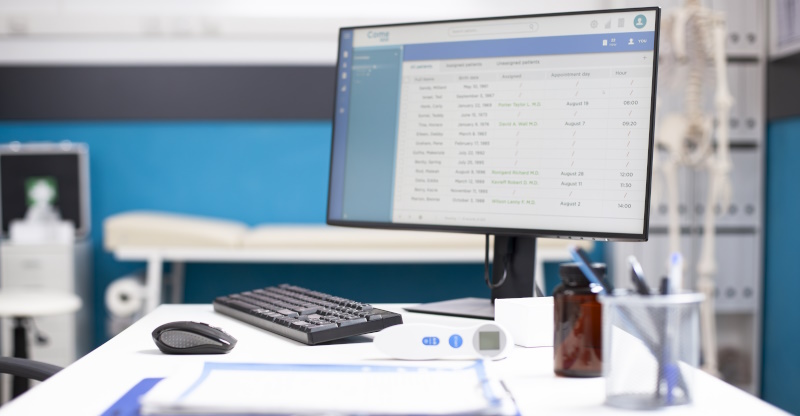
For private clinics, dental surgeries, and therapy centres, running a smooth operation depends on staying organised. Practice and patient management systems bring together everything you need to manage the day, in one central platform, such as: appointments, invoicing, patient communications, and records.
A well-known UK example is Cliniko, widely used by physiotherapists, chiropractors, and private clinics. It provides appointment scheduling, treatment notes, invoicing, and reporting tools all in one place. Patients can book and cancel appointments online, receive automatic reminders, and pay securely through integrated payment gateways.
These systems often include patient portals, where individuals can access their treatment plans, check upcoming visits, and download invoices. For the clinic, everything from room allocation to stock control can be managed within the same system.
Telehealth and Remote Monitoring Platforms
Since the pandemic, remote care has become a normal and expected part of healthcare delivery. Telehealth and remote monitoring platforms allow patients and clinicians to connect through secure video calls, share documents, and even track vital signs without needing to visit a clinic.
In the UK, systems such as AccuRx and Push Doctor have become familiar names in both NHS and private healthcare. These platforms allow GPs and specialists to hold secure video consultations, send follow-up notes, and issue digital prescriptions directly to pharmacies.
Remote monitoring tools go a step further by tracking health data such as blood pressure or glucose levels from wearable devices. The data is uploaded automatically to the clinician’s dashboard, allowing early detection of issues and reducing hospital visits for routine checks.
For providers, this means more patients can be supported using the same resources. Routine follow-ups move online, freeing up time for both patients and healthcare professionals. Another advantage for patients, especially those in rural or mobility-limited situations, telehealth opens access to consistent and timely support.
This modern approach saves time, improves outcomes, and strengthens continuity of care while maintaining strict confidentiality through encrypted communication channels.
The Power of Custom Healthcare Software
Off-the-shelf systems cover general needs, but they rarely match your workflow exactly. That’s where custom healthcare software becomes transformative.

BSPOKE Software develops tailored solutions designed to fit your specific requirements. From initial consultation and throughout the software development lifecycle (SDLC) we collaborate closely with our clients to understand how they work, identify inefficiencies, and design intuitive tools to eliminate them.
Why Choose Custom Development
Custom software is particularly valuable when:
- Existing tools don’t talk to each other.
- You manage unique processes or data structures.
- Your organisation has outgrown spreadsheets or legacy programs.
- You want to automate repetitive tasks or reporting.
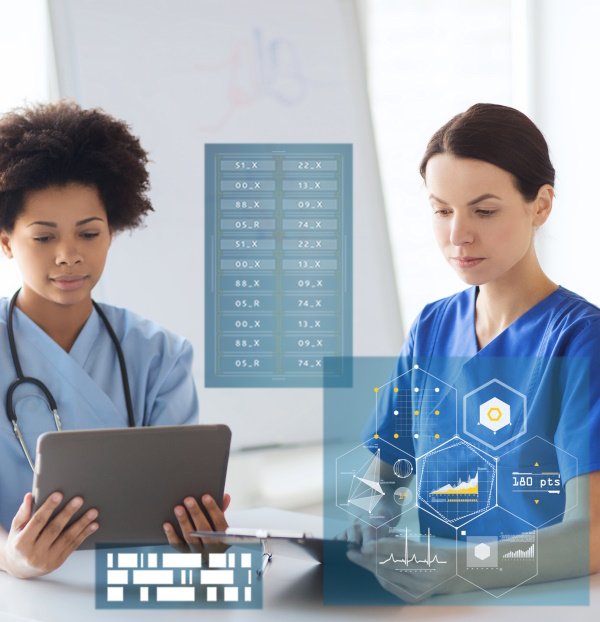
Because each element is designed specifically for your environment, you get a cleaner system without clutter and only pay for features you actually use.
A mental health provider might want to track patient progress through digital questionnaires, while a physiotherapy clinic might need a mobile app for exercise tracking. Both benefit from software designed precisely around their operations, not a one-size-fits-all product.
Comparing Off-the-Shelf vs. Custom Healthcare Software
| Aspect | Off-the-Shelf Software | Custom Healthcare Software |
|---|---|---|
| Cost | Lower initial cost but higher long-term inefficiency | Higher upfront, tailored to long-term ROI |
| Fit | Generic features, may not match your workflow | Fully aligned with your specific needs |
| Flexibility | Limited configuration | Unlimited adaptability |
| Integration | Often difficult or partial | Designed for seamless integration |
| Ownership | Licensed per user | Fully owned, on completion and full payment you own the IP (Intellectual Property) |
Choosing between them depends on your goals, budget, and growth plans. Many organisations begin with existing tools and later transition to bespoke systems as they scale. Starting with a core software system and then adding non-essential/ desired features over time, can be the most cost-effective way to implement a custom software system.
The Role of User Experience and Training
Whether you choose an off-the-shelf software solution or a custom one, it will fail if staff can’t use it easily. A clean, intuitive interface is vital.
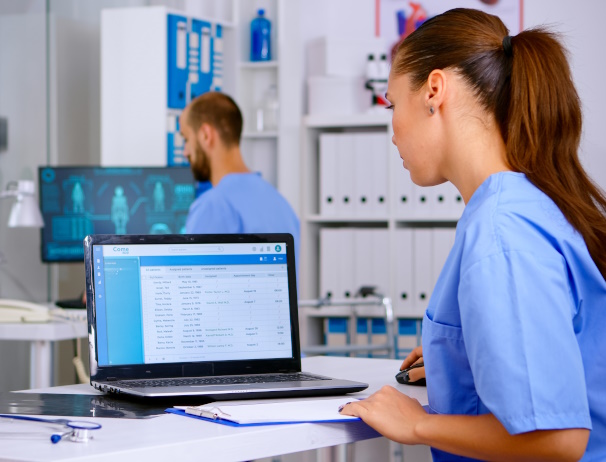
Training should focus on confidence, not just compliance. When nurses, admin staff, and managers understand how to use the system properly, adoption happens naturally. In many cases, short video tutorials and role-based guides are enough to make the transition smooth.
A key principle: software should make daily work feel easier within the first week of use. If it doesn’t, it needs refining.
Security in Healthcare Software Solutions
Earlier in this post we mentioned security, but as few industries hold more sensitive information than healthcare, we felt it was prudent to expand more on this topic. From personal identifiers to medical history, every piece of data must be handled with extreme care.
Effective healthcare software solutions protect data in several ways:
Data Encryption
All information, whether stored or transmitted, should be encrypted. This ensures that even if data is intercepted, it remains unreadable to outsiders.
Access Control
Staff access should be limited to what’s relevant to their role. Administrators see everything; receptionists do not. This principle of “least privilege” reduces risks of accidental exposure.
Audit Trails
Every access, edit, or export of data must be logged. This accountability discourages misuse and helps in compliance audits.
Regular Updates and Penetration Testing
Security is never “done.” Regular updates, security patches, and penetration testing protect against new threats.
Future Trends in Healthcare Software Solutions
The next few years will see healthcare software evolve rapidly. Some trends already reshaping the industry include:
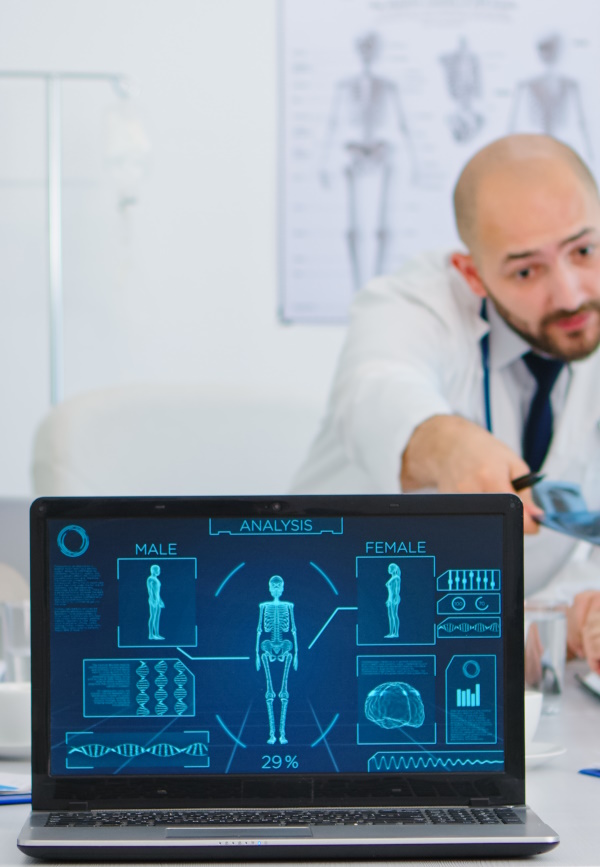
- AI-assisted diagnostics that analyse scans or symptoms to support doctors, helping them make faster and more accurate decisions.
- Predictive analytics to anticipate patient needs and resource demands, allowing hospitals and clinics to plan ahead and reduce waiting times.
- Mobile-first applications for both patients and professionals, making it easier to access records, schedule appointments, or track health on the go.
- Interoperability standards that allow systems to share data securely across organisations, improving collaboration between hospitals, GPs, and other care providers.
By adopting flexible and scalable solutions today, healthcare providers can prepare for these changes and take full advantage of them as they arrive. This means they can improve patient care, reduce costs, and respond quickly to new technology without having to overhaul their systems later. Essentially, the more adaptable a healthcare provider’s software is now, the easier it will be to benefit from future innovations in healthcare technologies.
In Summary
Modern healthcare software solutions are no longer optional; they’re essential. They streamline administration, strengthen data protection, and free professionals to focus on patient care. From electronic healthcare records software to healthcare staff scheduling software, the right digital tools can transform your organisation’s performance and resilience.
For providers with unique workflows or ambitions, custom healthcare software delivers an edge that standard systems can’t. With the right design and implementation, you can unify your data, improve staff satisfaction, and deliver exceptional patient experiences, all from one reliable platform.
If you’re ready to modernise your systems, BSPOKE Software can help design and develop a solution built precisely around your needs. To set up a free initial consultation or for an informal chat, fill in our contact form and we will get back to you shortly.